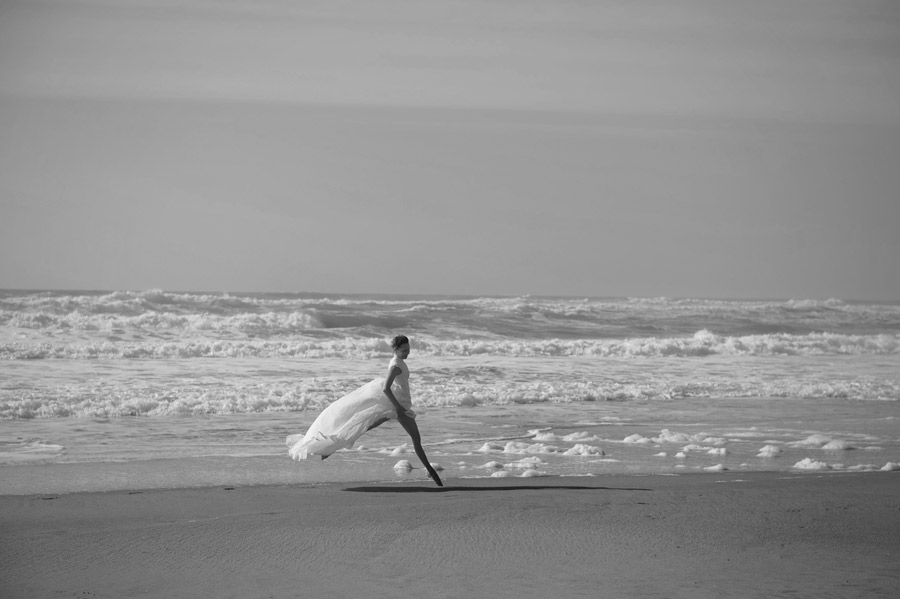
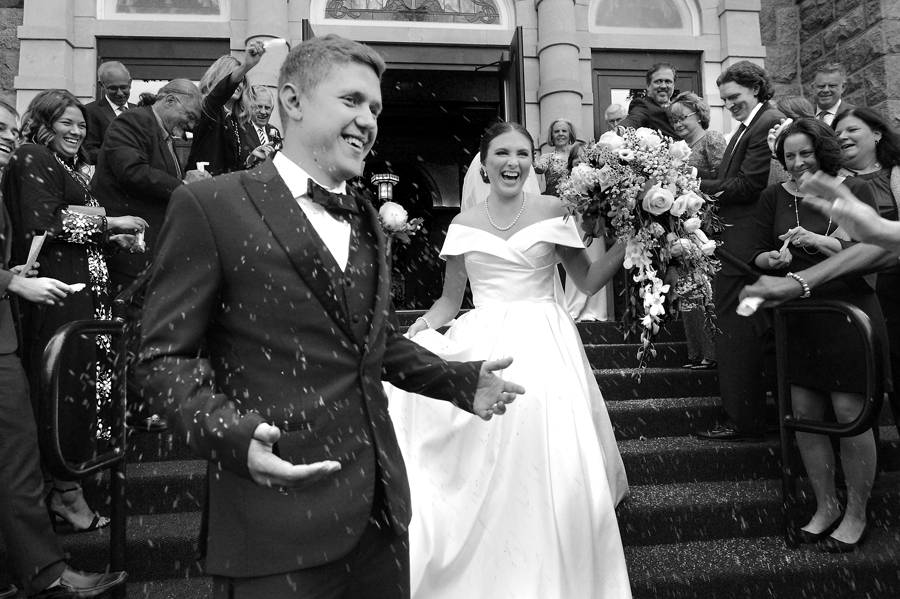
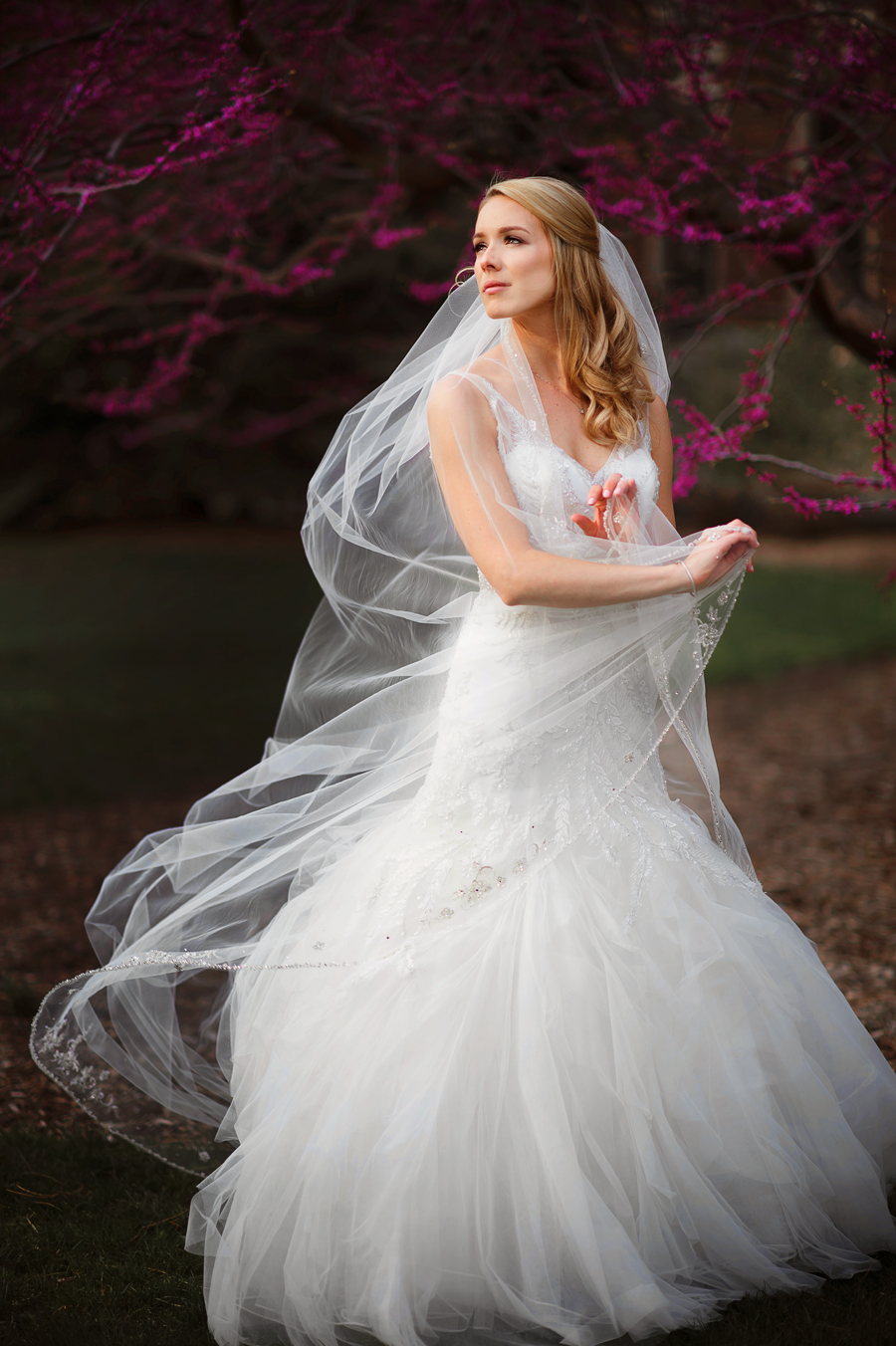
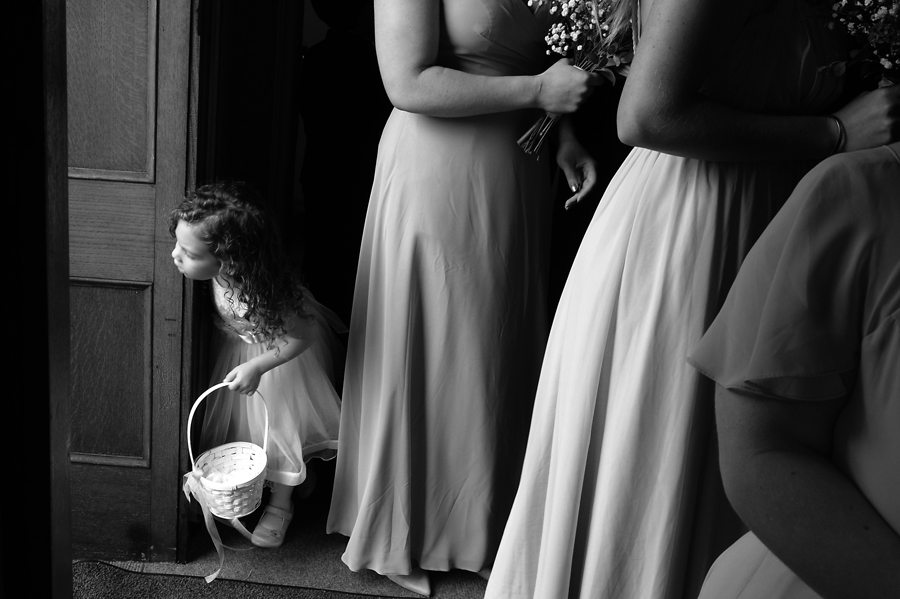
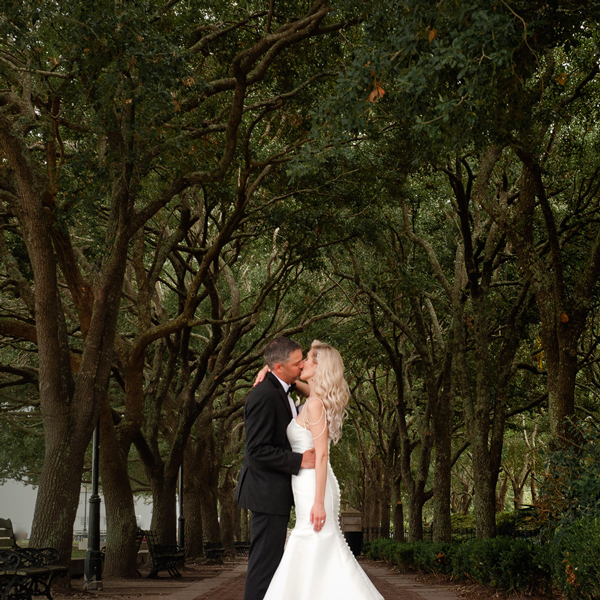
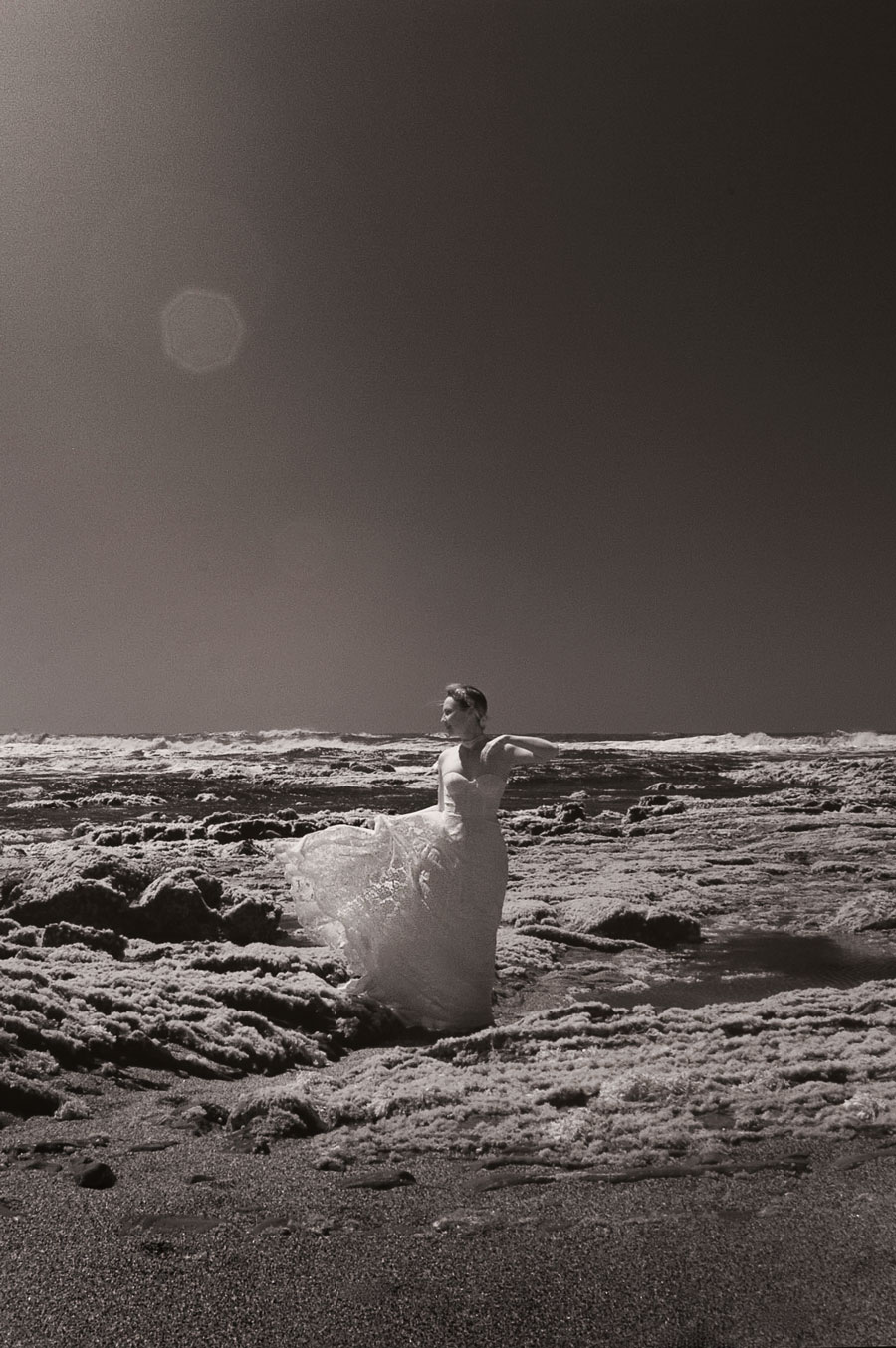
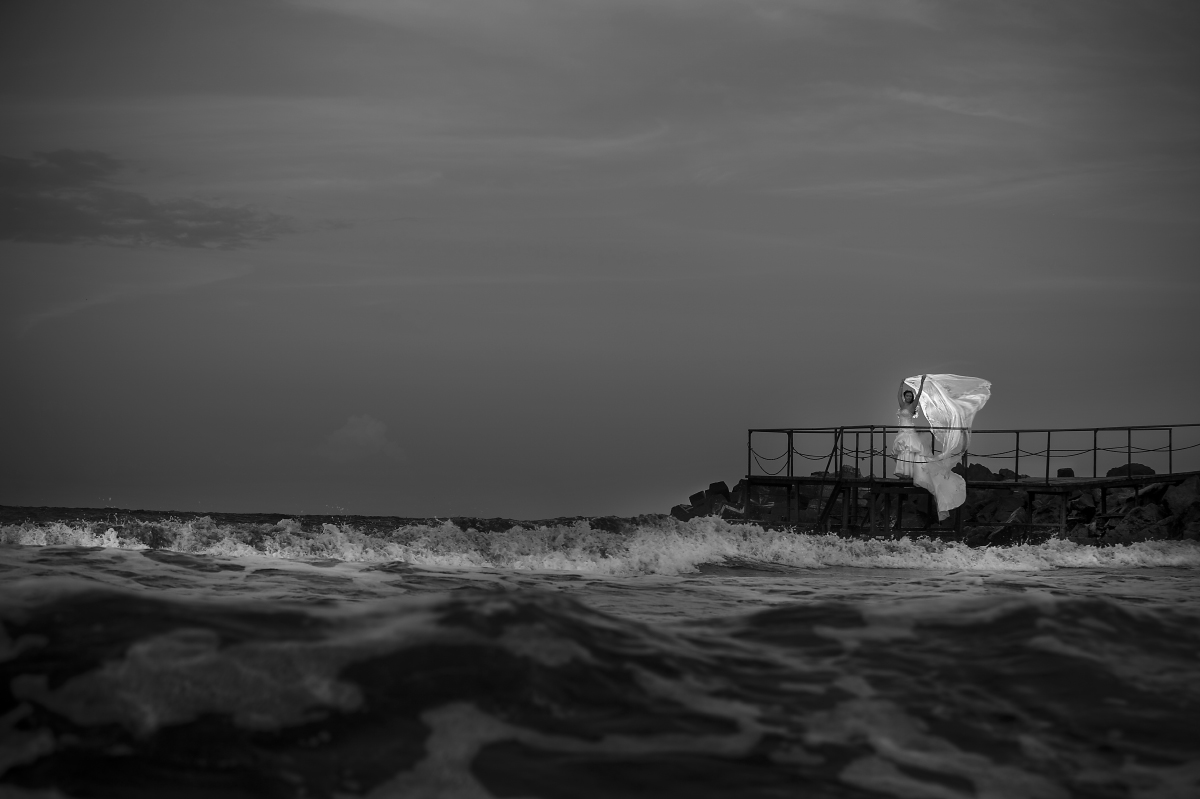
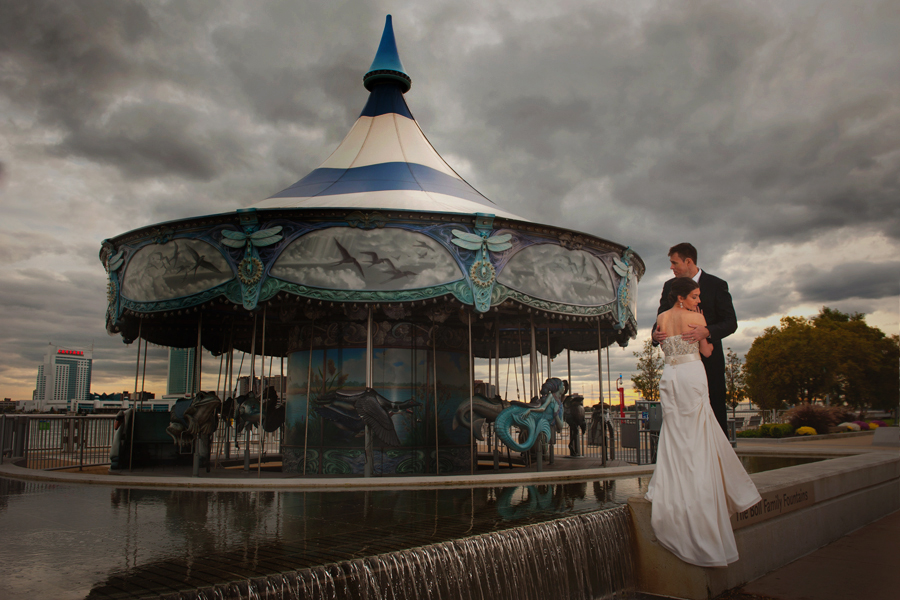
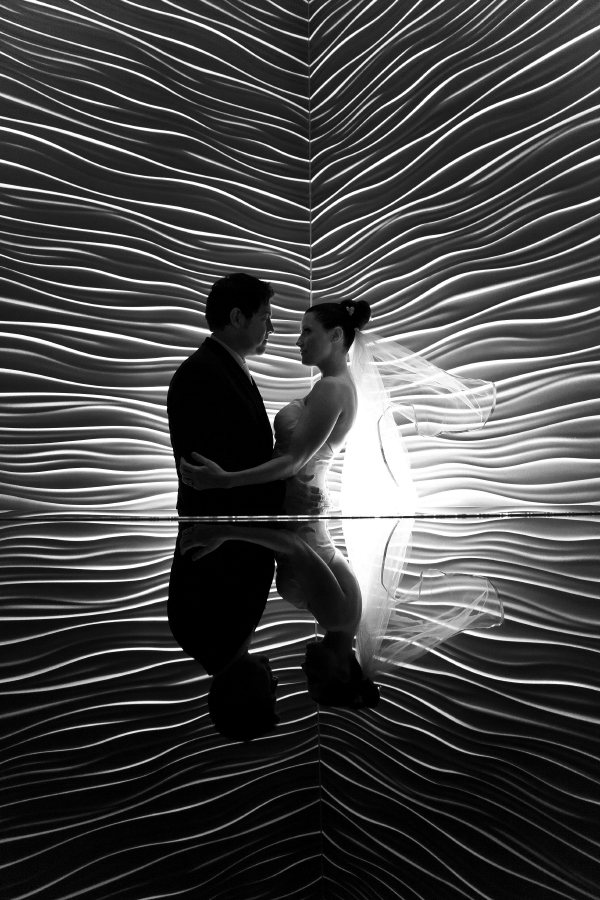
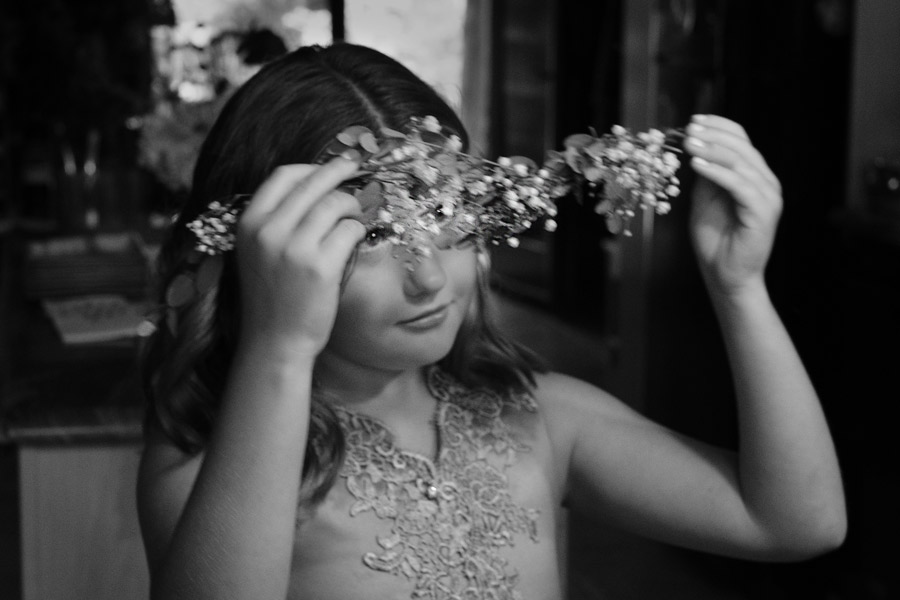
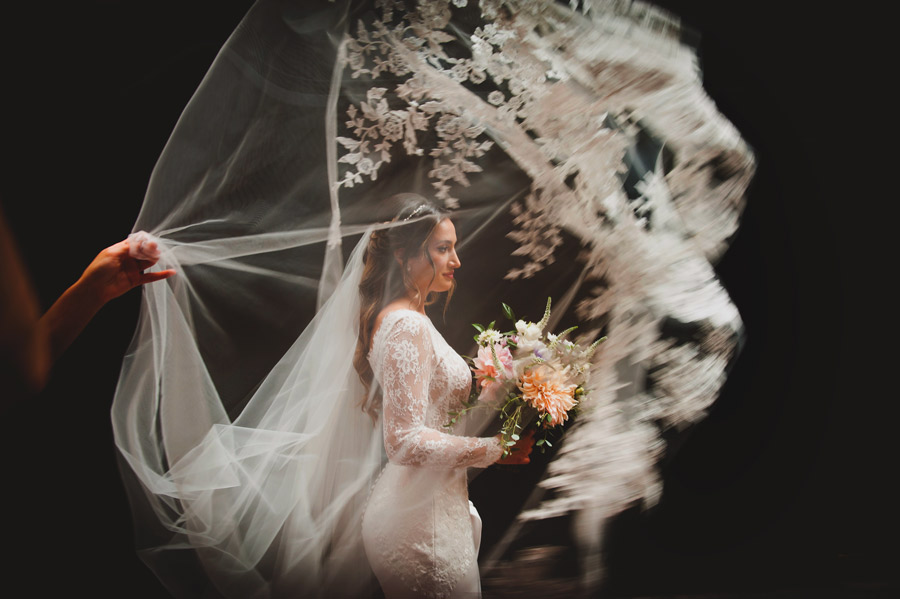
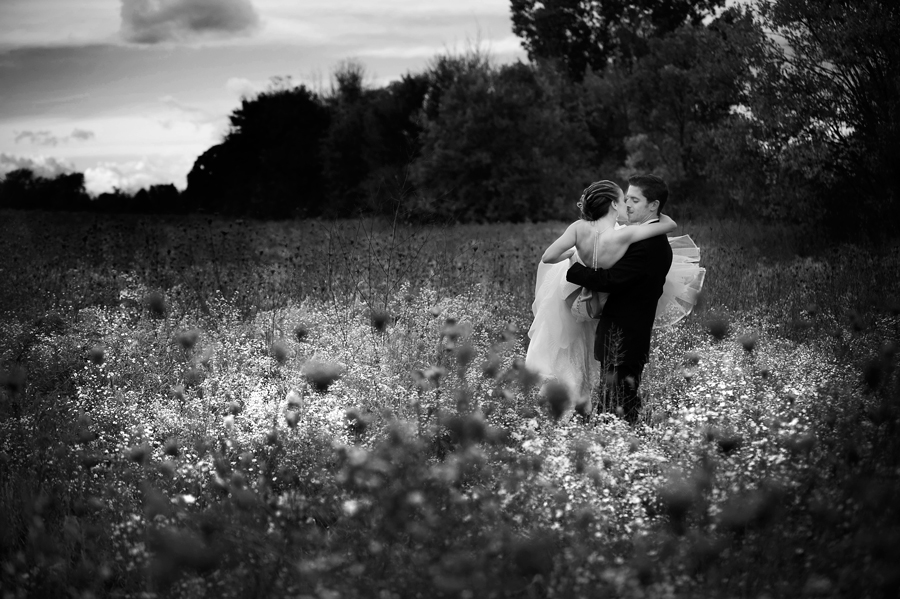
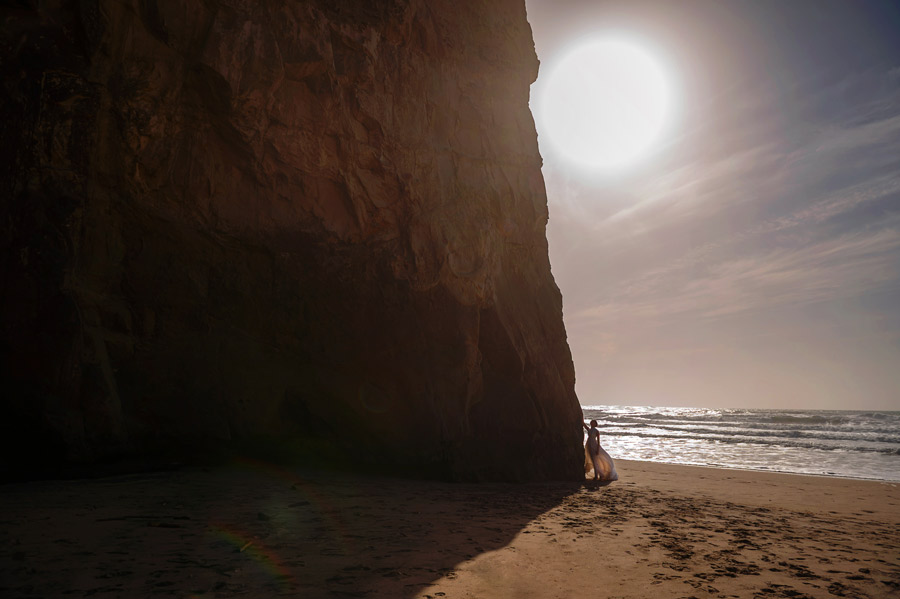
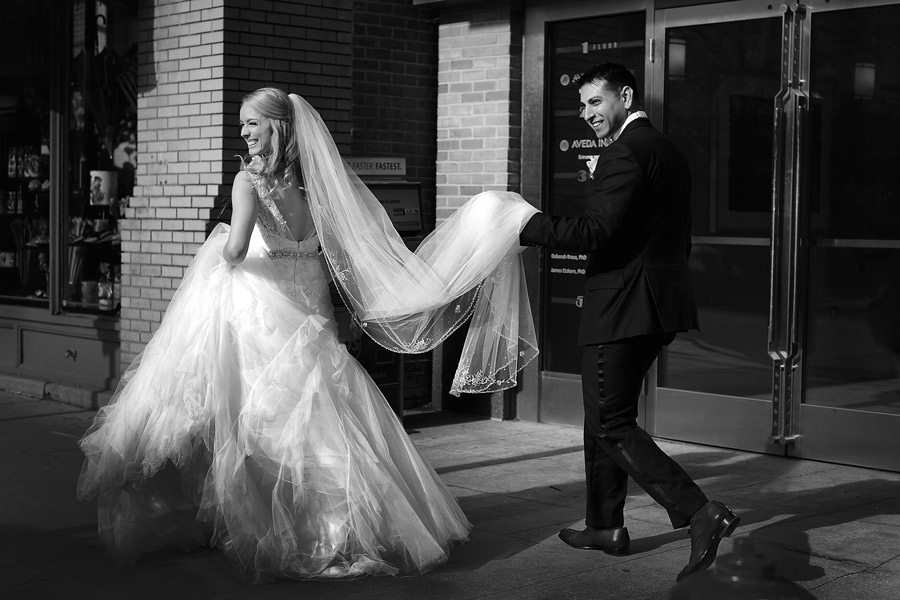
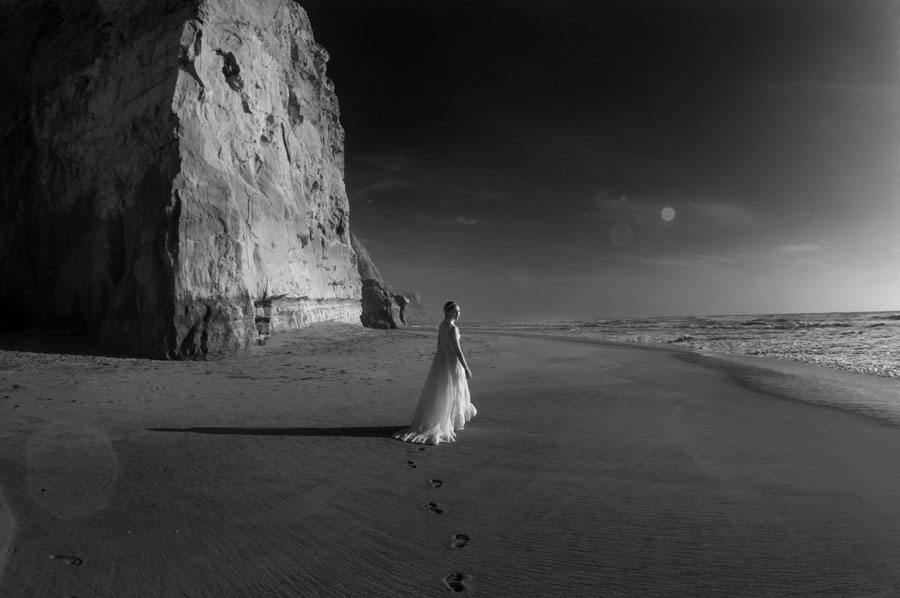
There is an additional page in the Page Manager. Archive 1 is a sample photo album page which you can duplicate (using the Page Manager) to make more archive or gallery pages.
The link to this page from the main page is by default on the ARCHIVE slide.
Be sure to apply any of the design changes you make to this sample on that page as well.
I remember precisely the very first time I wished I had a camera.
Hungary, 1991. It was the last day of work in an orchard after one terribly long month, a month that all of us hated.
Dark clouds in a matter of seconds covered the sunny sky. They rolled in fast and looked so low it was as if you could almost touch them. The rain came just as quickly and its fierce, heavy drops marked the end of those unhappy days.
Everybody ran towards the dorms screaming with excitement, throwing their shoes in the air and just leaving them behind. I can still see the little road covered with dozens of pairs, their owners' countless footprints and streams of water making their way through the muddy soil.
And then there was this light...it was warm and soft, I don't know where it was coming from, because it wasn't supposed to be there. Yet, there it was and it made this tiny path in the middle of the orchard look surreal.
I felt disappointed that what was happening before me would just pass by. I had nothing to recorded it with for others to see, because it simply had to be seen.
So now, a few years after I've started doing photography, I feel the greatest satisfaction when I look at my images and see that I have captured an elusive fraction of time. That is what makes me truly happy. That is why I'll continue to look through my lens as long as I can. This is my way of sharing life's moments as they happen before me. as I see them and as they make me feel.
I sincerely hope you enjoy the work presented here. If you have any questions or comments I can be reached via the contact information found on the contact page. I would like very much to hear from you.
Stela Zaharieva
Phone: 248-842-0721
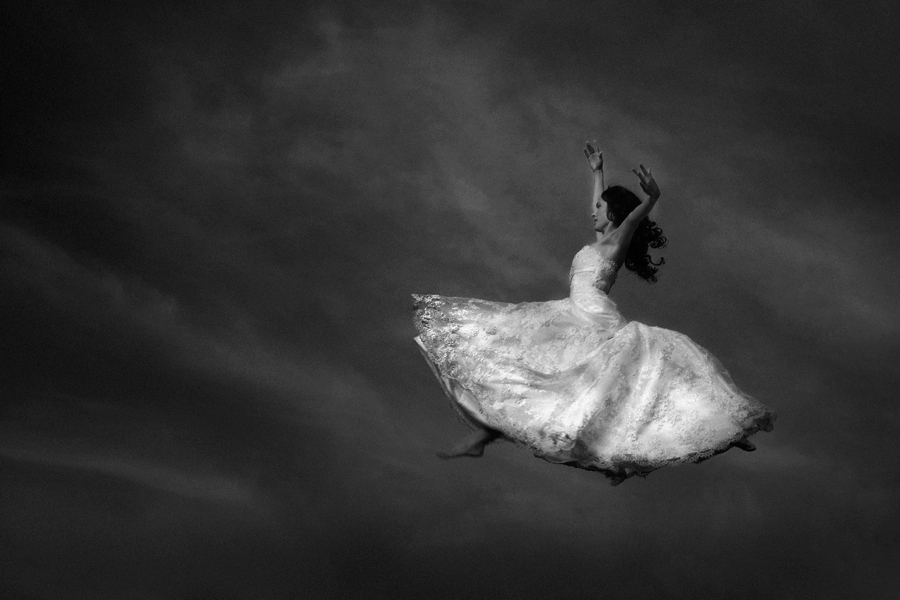
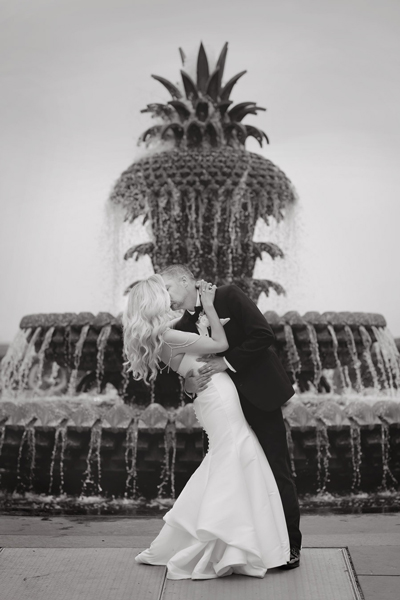
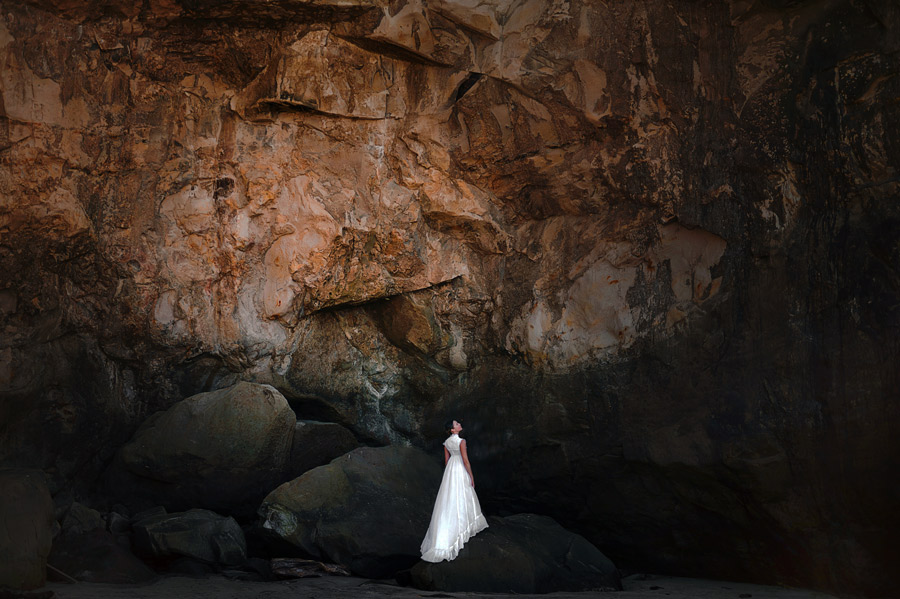
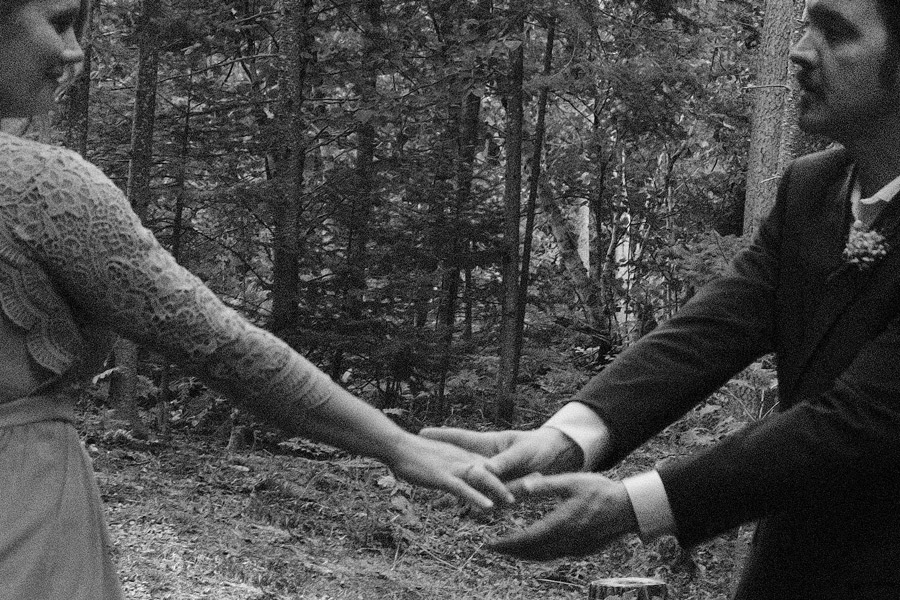
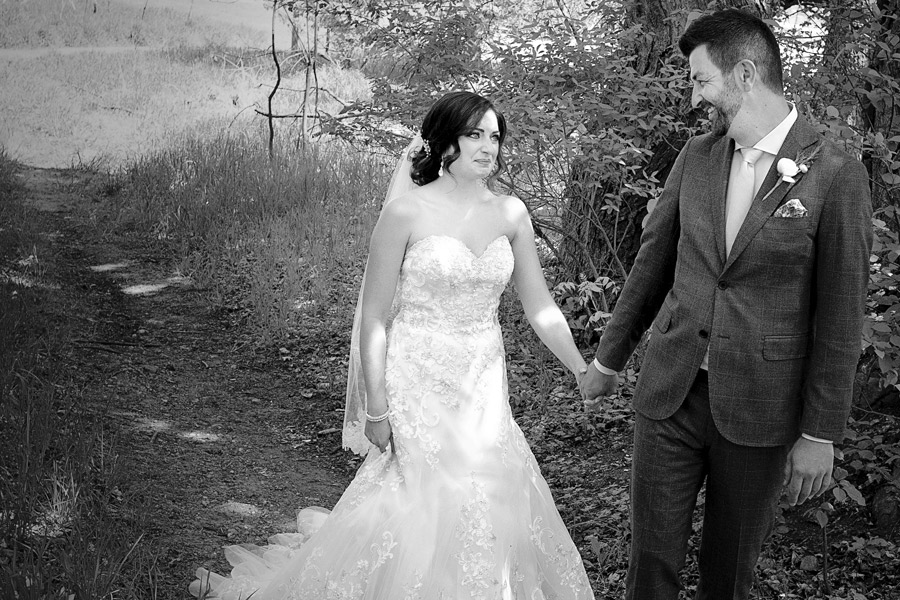
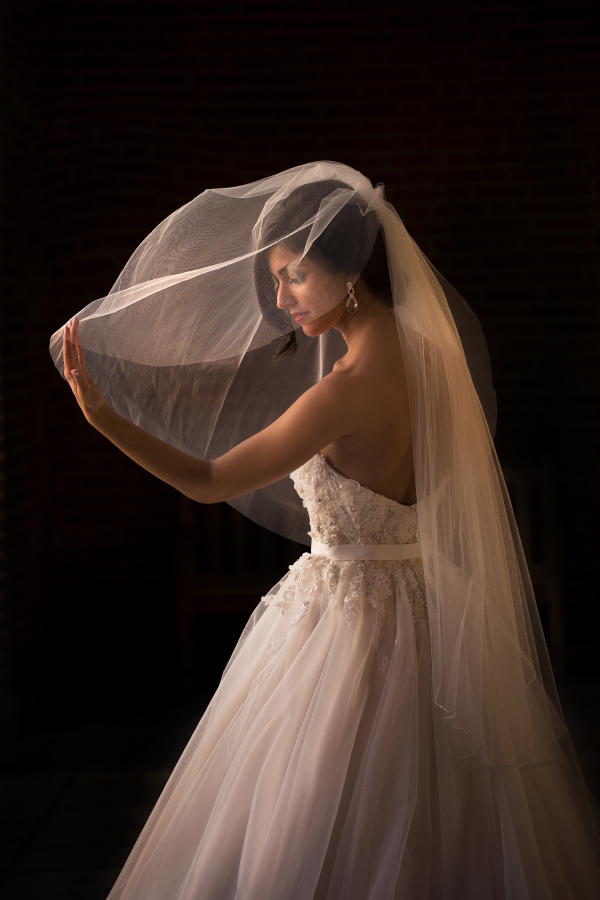
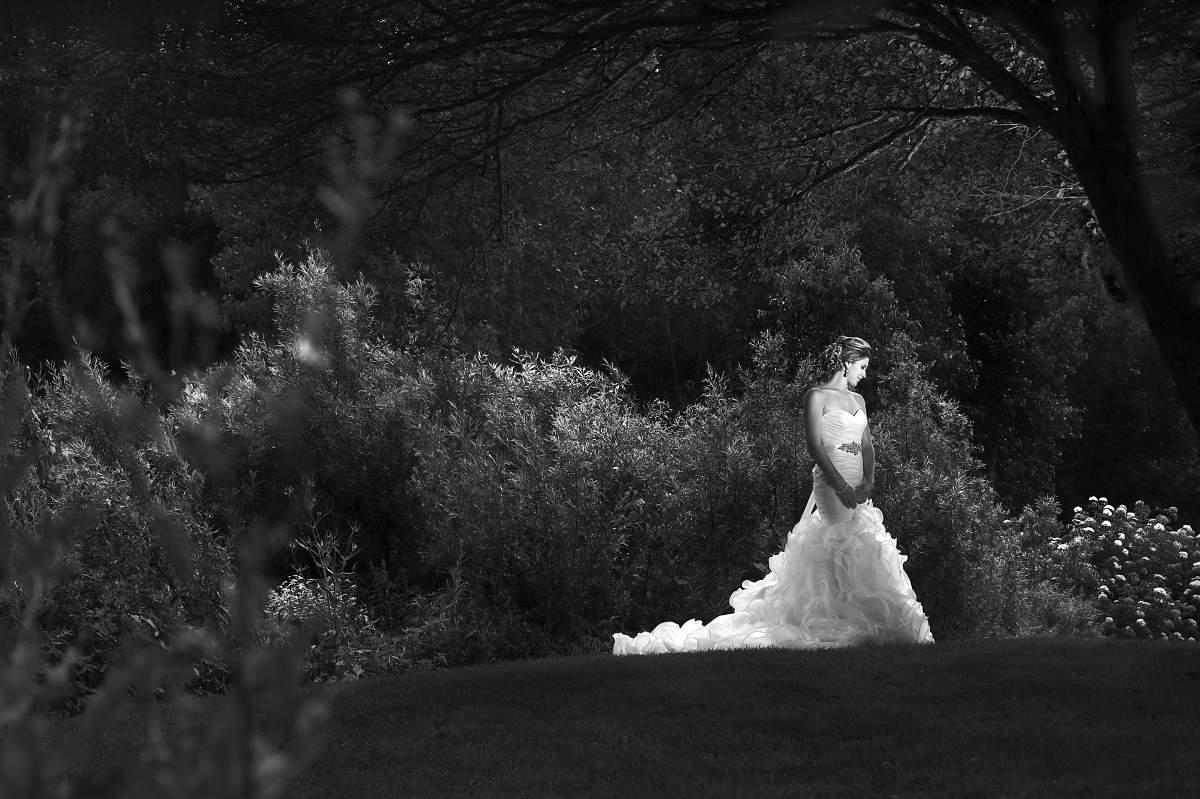
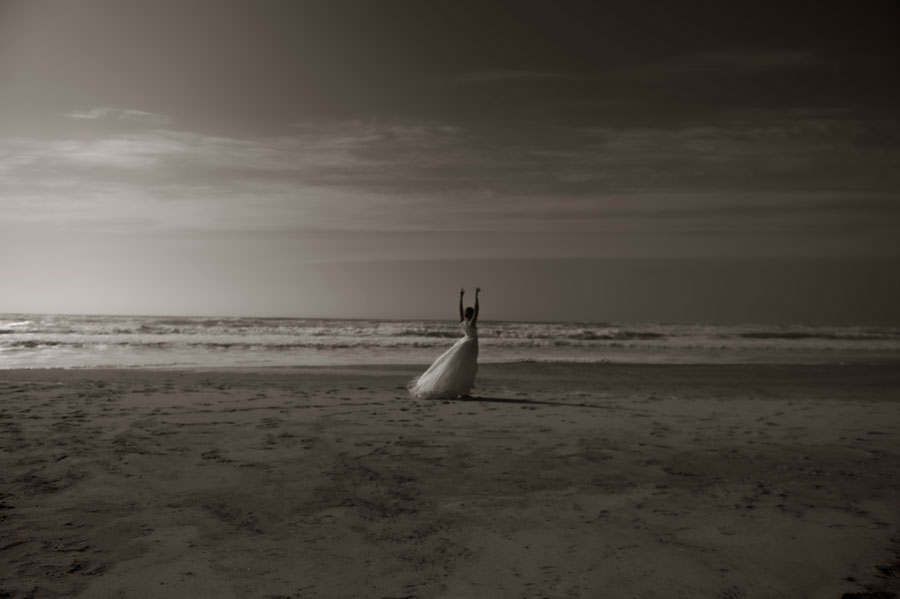
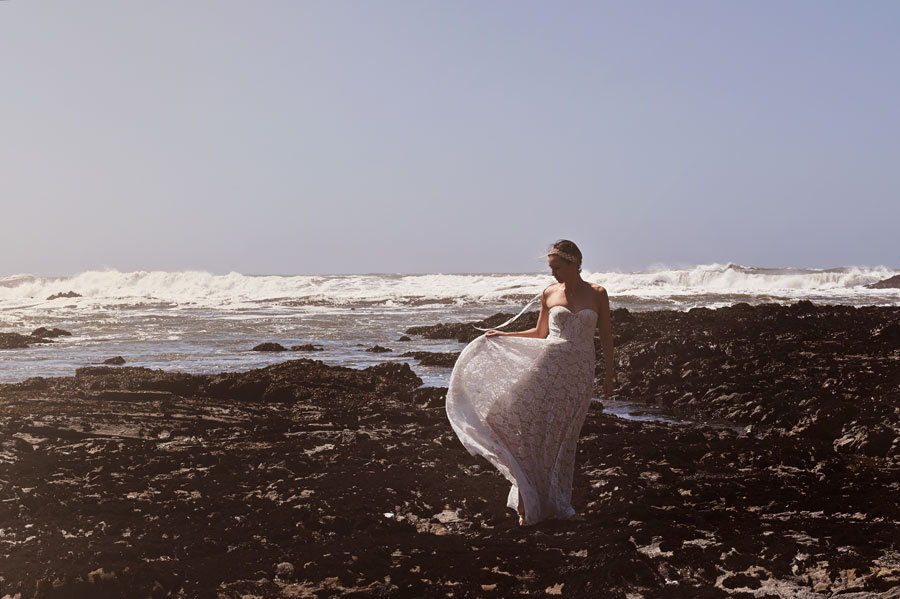
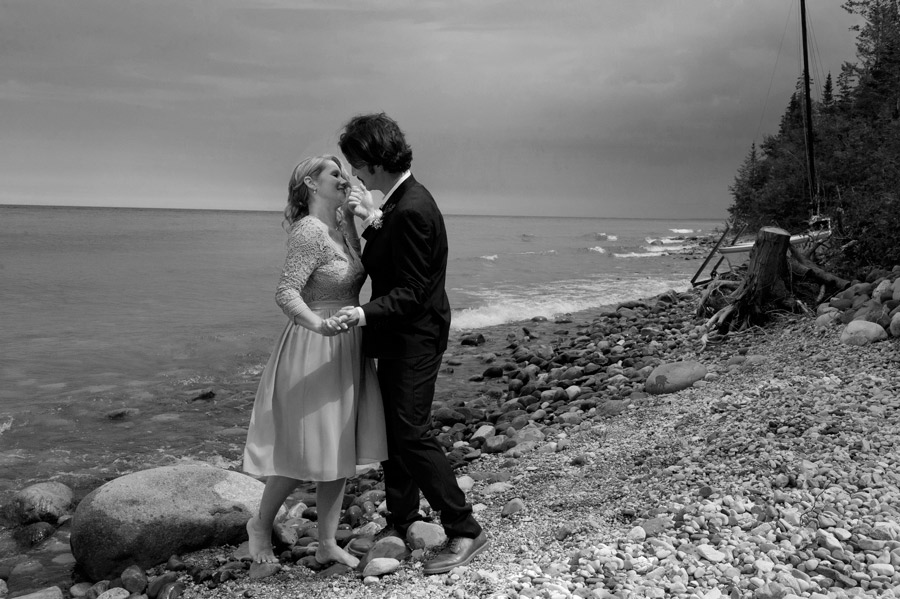
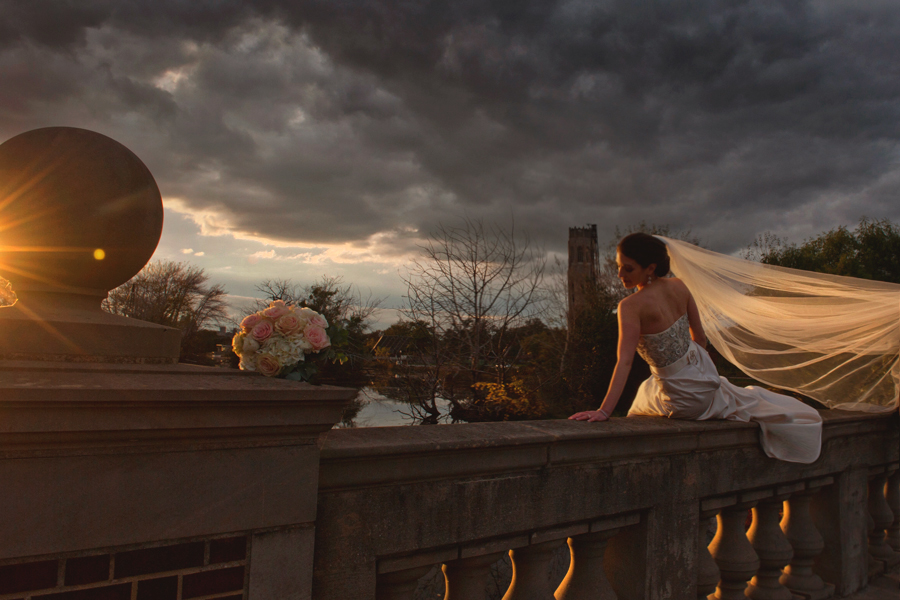
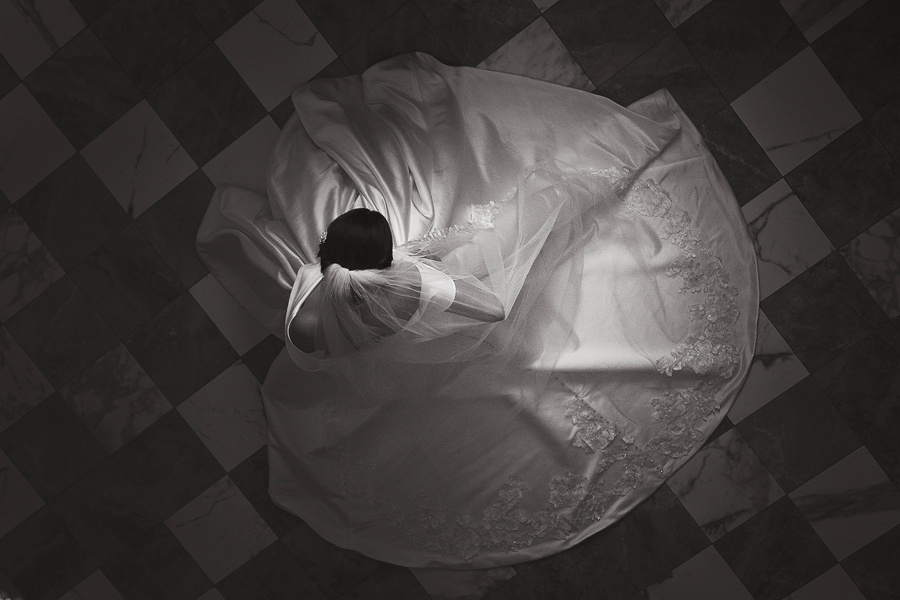
To replace the photos and add your own, click on any of the photos then on the photo list icon on the bottom menu.
You have a second minipage inside the PORTFOLIOS slide for subcategories.
You can edit all the menu item names by selecting them and using the edit text icon on the bottom menu.
To add more subcategories:
* Select the minipage inside the PORTFOLIOS slide, go to the slide manager icon on the bottom menu, rollover any of the slides and click the duplicate icon
* Create a new menu item or button for it (or duplicate and edit an existing one)
* Then reassign the orange arrows links to the photo album in your new subcategory using the behaviors icon (appears on the bottom menu when you select the arrow)